Windows setup
Download the latest Windows setup package for Knight Note.
Download for Windows
Your vault. Your notes. Your round table.
Write, organize, record, search, and sync private vaults from a focused desktop app. Keep your notes local-first, AI-ready, and protected when you choose cloud sync.
Download
Windows, macOS, and Linux packages are available for desktop installs.
Download the latest Windows setup package for Knight Note.
Download for WindowsUse the AppImage on most distributions, or install the DEB package on Debian and Ubuntu-based systems.
Download AppImage Download DEBDownload the signed and notarized macOS disk image for Apple desktops.
Download for macOSProduct
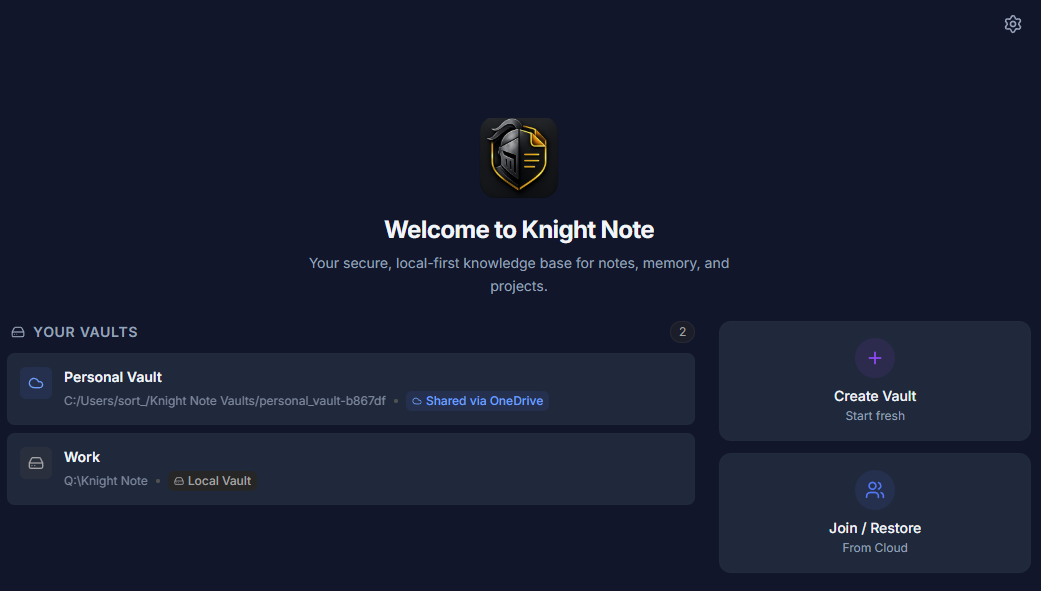
Keep personal notes, client work, research, and team knowledge in focused vaults that are easy to understand.
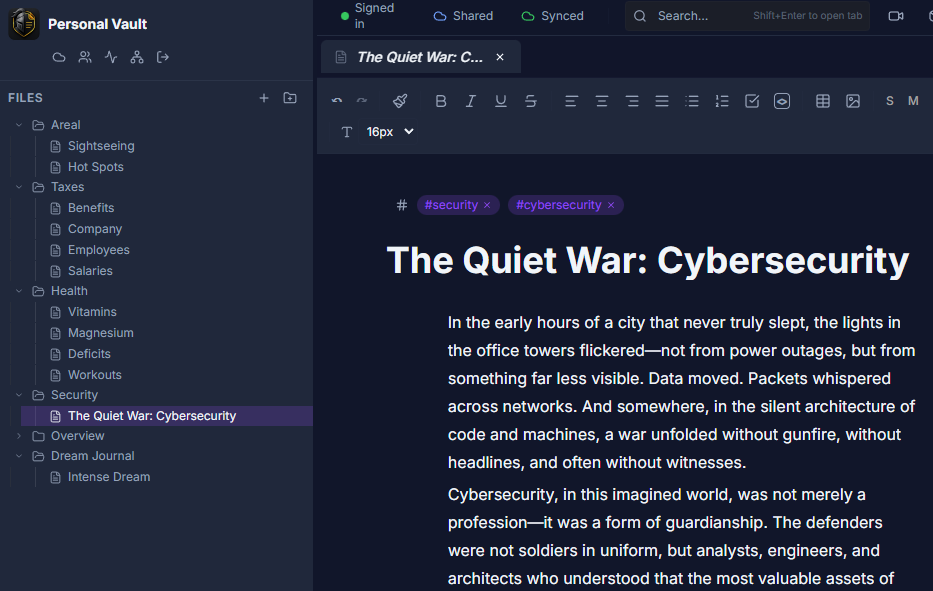
Use rich notes, tasks, tables, images, tags, backlinks, tabs, graph view, and fast full-text search.
Open a calm workspace for notes, tools, recordings, and project memory without waiting on a web app.
Recordings
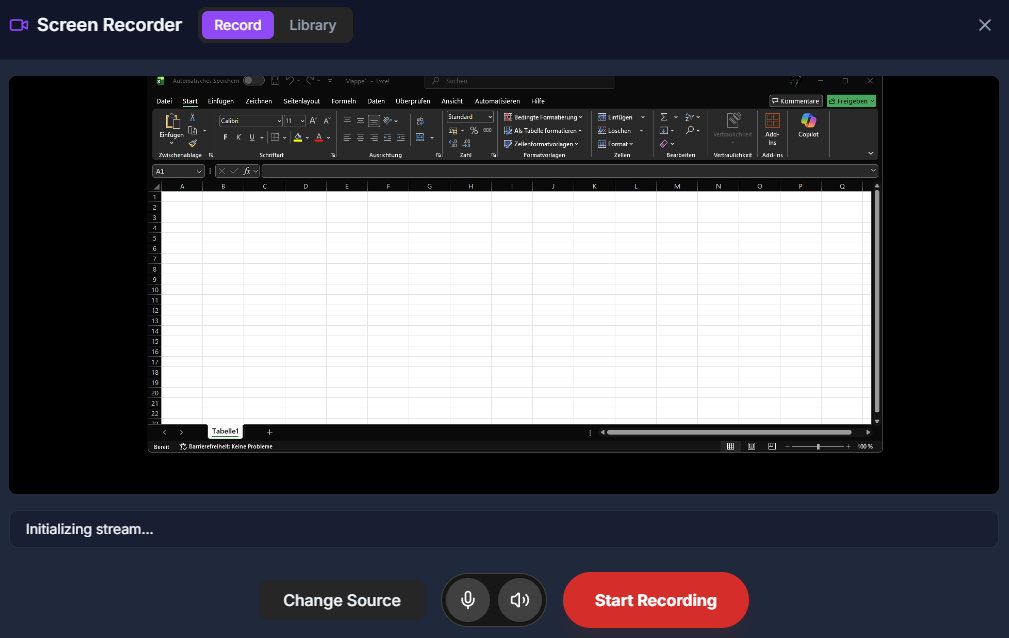
Record screen walkthroughs, lessons, bug reports, and handoffs directly from the desktop app. Keep the recording linked to your work instead of scattering videos across separate tools.
Record what happened on screen and keep the walkthrough close to the note, task, or vault it belongs to.
Capture bug reports, onboarding clips, client explanations, or internal process notes without opening another recorder.
Choose a cloud provider for recording storage when you need shareable links and a recording library across devices.
AI Memory
Create an AI Memory vault for decisions, project context, research, and daily notes. Knight Note helps local AI tools read the memory you choose to share, while your main vault stays private and under your control.
Turn notes into local context your AI tools can use for summaries, decisions, planning, and recall.
Connect Claude, Cursor, Codex, Gemini, and other local AI clients without moving your notes into a new service.
Keep private vaults local, and expose only the memory folders you intentionally prepare for AI workflows.
Start read-only, then allow controlled note updates with preview options when you want agents to help maintain memory.
Search across your active vault and recover the note snippets that matter when projects get large.
Import existing Markdown folders and keep your structure, tags, and project context moving forward.
Ask your AI tool what the team decided last week, then save the summary into today's Knight Note daily note.
Sync
Use Knight Note fully local, or enable encrypted sync across devices whenever you want it. Choose a provider you already trust and keep control of where your vault lives.
Features
Create separate workspaces for projects, research, clients, teams, and personal notes.
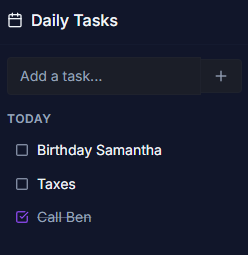
Write with a focused editor, organize nested folders, and keep tasks close to the notes they belong to.
Prepare structured local memory for decisions, project context, people, meetings, research, and prompts.
Expose an AI Markdown Mirror and connect MCP-compatible tools with read-only or controlled write presets.
Sync encrypted vaults through Google Drive, OneDrive, Dropbox, WebDAV, or iCloud when you want multi-device access.
Invite collaborators to supported provider vaults with signed invite codes and provider folder permissions.
Capture walkthroughs, bug reports, demos, and handoffs, then keep them with the vault where the work lives.
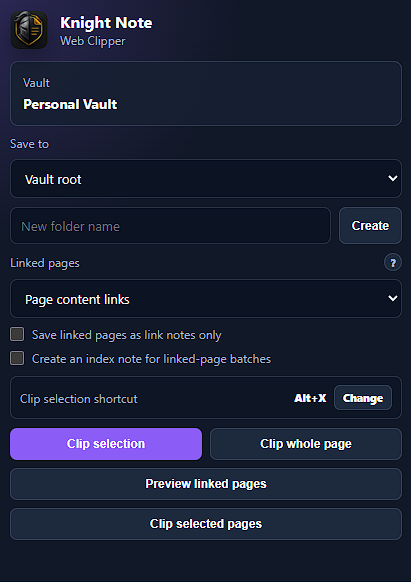
Clip selections, pages, and linked context from the browser into your local Knight Note workspace.
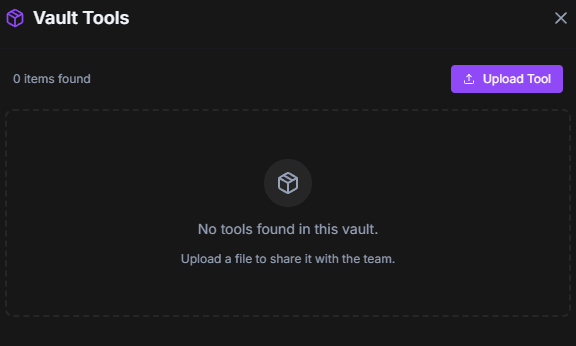
Extend Knight Note with plugin-compatible workflows. Custom branding is available by request at support@knight-note.com.
Contact
Reach the Knight Note team for support, technical questions, and rollout planning.
support@knight-note.com